
Install the Keyek Windows client
Each PC which will be accessed via Keyek Card will need to have Keyek Login installed on their devices to enable secure authentication and communications with Keyek Cards.
-
Install Keyek Login on the target machine, following the prompts on the installation wizard
-
Test the Login
Unless otherwise instructed:
-
Leave the destinations folder as the default location
-
Leave the Keyek Guard Host as the default platform.keyek.online
Once this is completed the User Log in Screen will change to the Keyek Login screen.
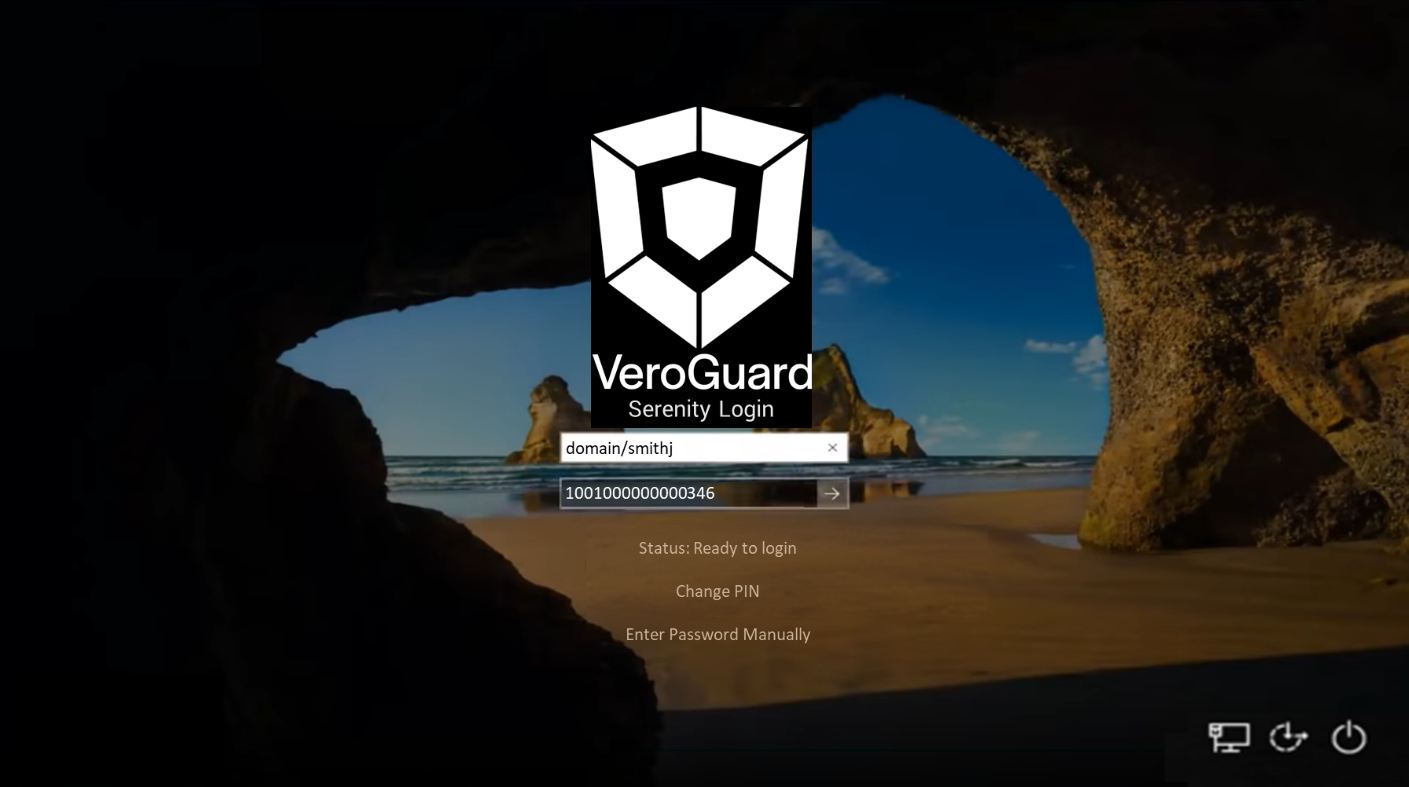
Installation of Keyek Login can be completed without impact to the end user even before they have been issued with a Keyek Card. Users can use CTRL-click on the “Serenity Logon” header to reveal the password entry box on the screen instead of the Keyek Card selector dropdown.
Next Steps
Please follow the User Guides
Activate your Keyek Card - Active Directory (On-premise)