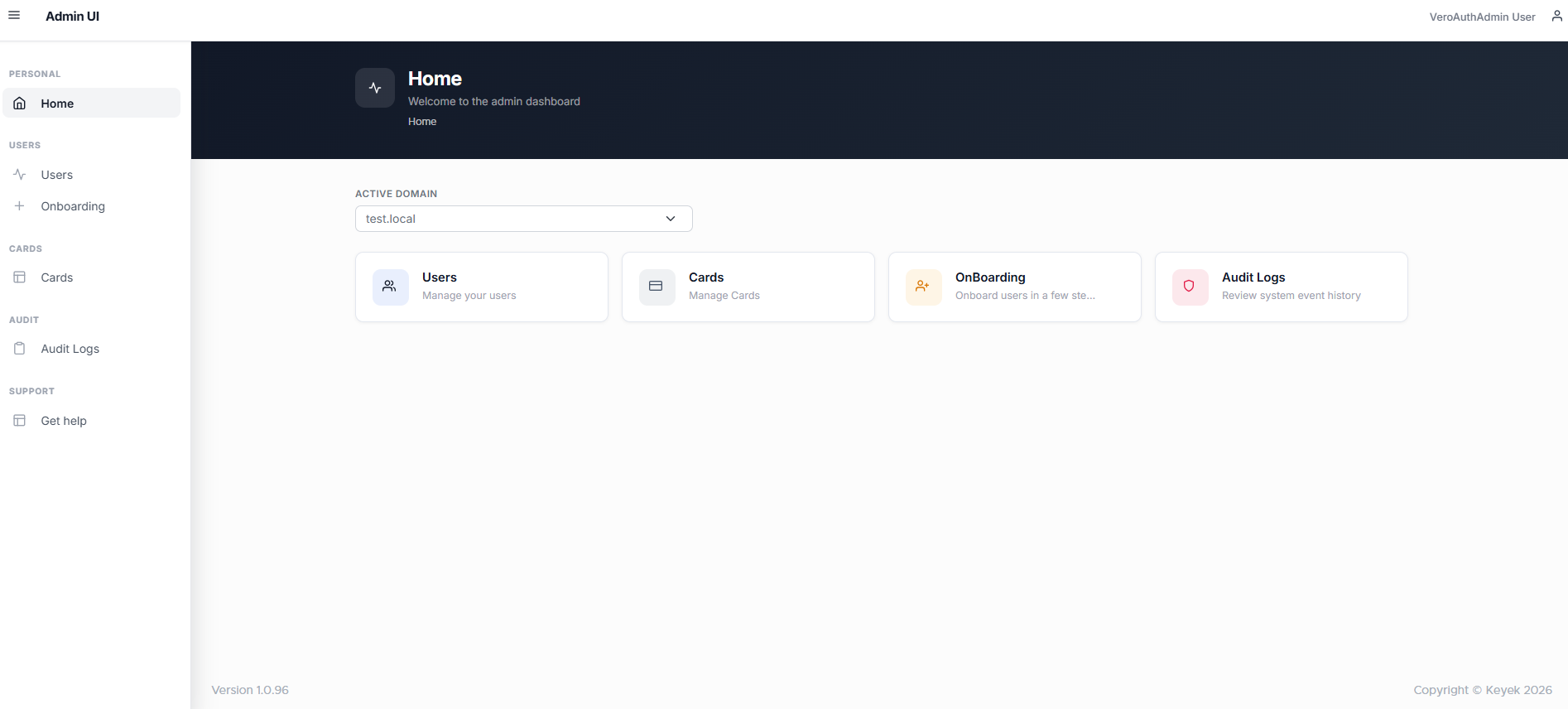
The interface is suitable for use on any computer as well as your mobile/tablet devices. It provides a web-based interface that allows you to use the core features efficiently, such as adding or removing Keyek Cards and Users.
The portal can be accessed https://api.veroguard.online/newAdminUI
If your organisation hosts its own instance of Keyek you will need to speak to your IT team for the correct URL.
Keyek Card Login
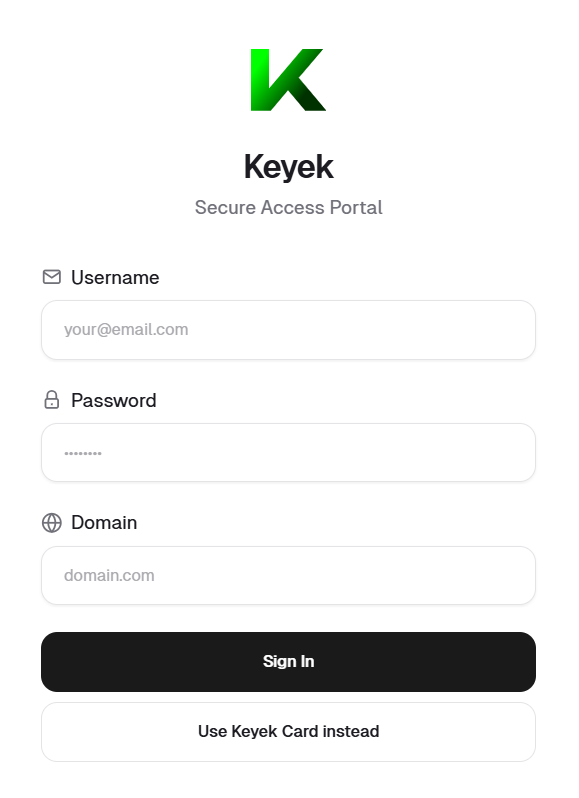
Access to the portal is only available through authenticating with a Keyek Card to a pre-established Administrator Account. There is no facility to self-enrol. When you browse to the Portal URL you will be presented with the following Login Screen which enables enrolled Administrator users to access using their Keyek Card.
Only users with Admin permission can access the Admin Portal and this can only be established by an existing Admin user or Keyek.
-
If you already have an activated Keyek Card, use this link https://api.Keyek.online/newAdminUI to login to the portal by turning on your Keyek Card.
-
In the Keyek - Secure Access Portal screen, enter the Username, Password, and Domain press Sign In.
-
Upon successful login using your Keyek Card, Home page opens up.