
The Admin Portal interface is browser based and can be used on any device as long as it can support logging in with a Keyek Card. The Portal provides a basic web-based interface that allows an Administrator to perform core functions, such as adding or removing Keyek Cards and Users.
The portal can be accessed https://platform.keyek.online/newAdminUI
If your organisation hosts its own instance of Keyek you will need to speak to your IT team for the correct URL.
📖 General Function Overview
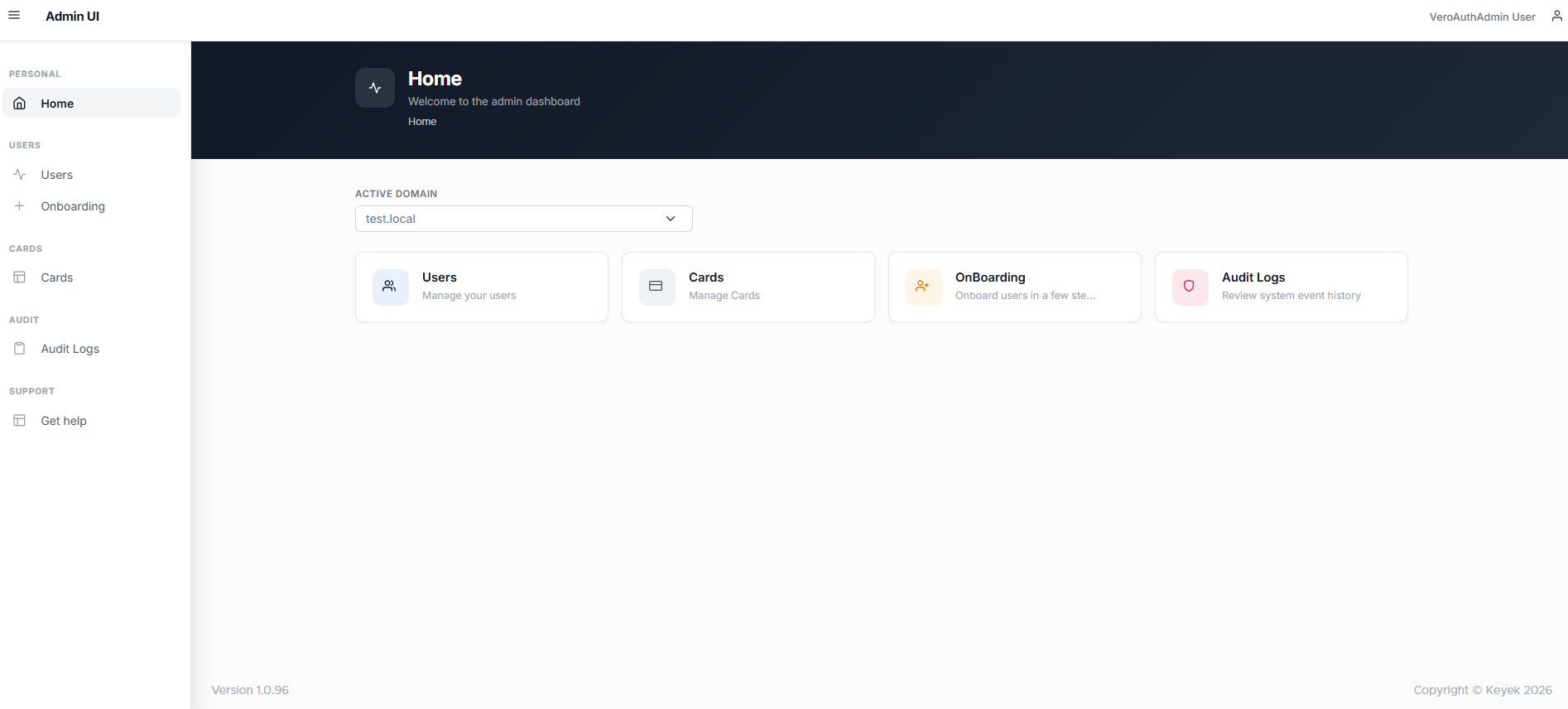
Once the Admin has logged in successfully, they will be presented with the home screen, where they can easily navigate to most the most common functional areas:
-
Users: For actions to manage individual user accounts and displays an actionable list of Users associated to the organisation and their high-level status.
-
Cards: For actions to manage Keyek Cards and displays an actionable list of Keyek Cards associated to the organisation and their high-level status.
-
Onboarding: A wizard to help setting up new user accounts.
-
Audit Logs: Review System Event History here.
The Admin Account function is currently not Active.