
-
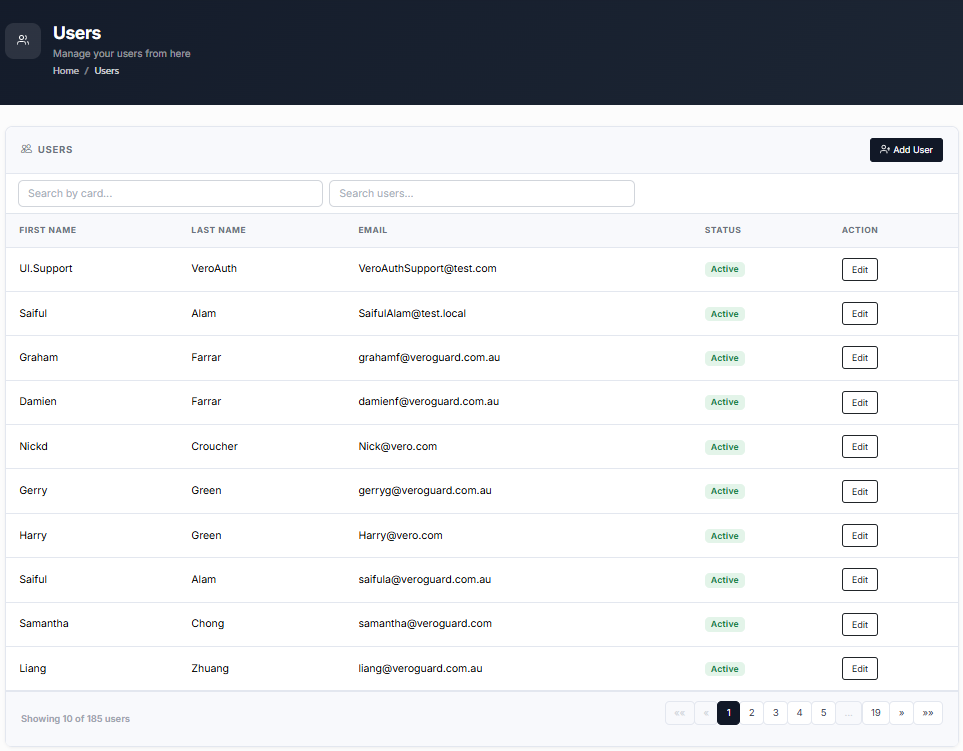
From the Home page, click on Users to open the Users - Manage your Users from here page displaying the list of existing users.
or
In the Home page, go to the Users option from the left navigational pane and click on it. The Users - Manage your users from here page opens up displaying the list of existing users.
-
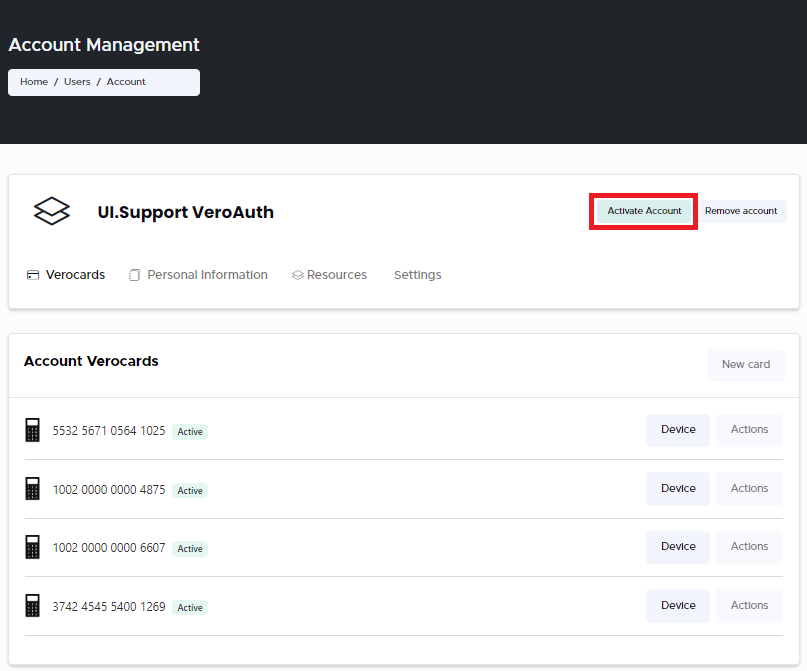
Navigate to the User you wish to make necessary changes to and click Edit. The Users Account Management page opens displaying the list of Accounts VeroCard information.
-
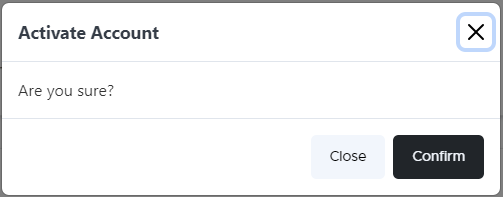
Click Activate Account, if you wish to activate all access associated with the User’s Account. The Activate Account confirm window pops-up.
-
Click Confirm. A message confirming the User was activated successfully message is displayed when the action is completed.